Get Informed
1. Broad Programme overview - review this entire web site.
2. WoodWing's overview of themselves - watch the two WoodWing clips immediately below.
3. Focused system overview - if you're feeling brave, then consider the 5 clips at the bottom of this page & watch only
those that you feel relate to you.
|
|
WoodWing explains their system functionality in terms of the following processes: (there is a clip for each)
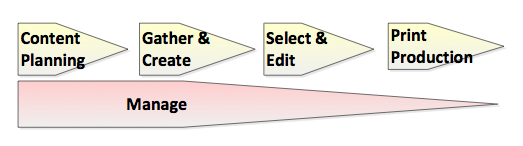
There is no harm in watching all the clips below. However, It will give you sufficient taste of what's coming if you to watch those clips that you believe relate most to your role in the production process – even before commencing your formal WoodWing training.
'Content Planning' - Overview  This video explains how to set up the content of a new issue. It also shows the creation of 'Dossiers' in a new issue. Who should watch this video? All those users that need to plan the content of an issue - usually Planners. | 'Gather & Create' - Overview 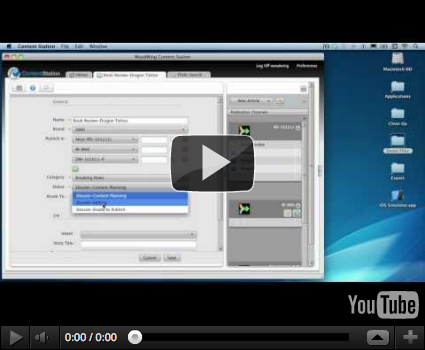 This video shows how to add content to an existing issue. Who should
watch this video? Any users that have to add content, such as MSWord or
Text documents, images, audio & video files to an existing issue. |
'Select & Edit' - Overview  This video explains how to locate, search, and open content stored in Woodwing. Who should watch this video? Everyone. (Although not everyone will get 'Content Station', the principles & terminology used here, are the same irrespective of what software you end up getting). | 'Manage' - Overview 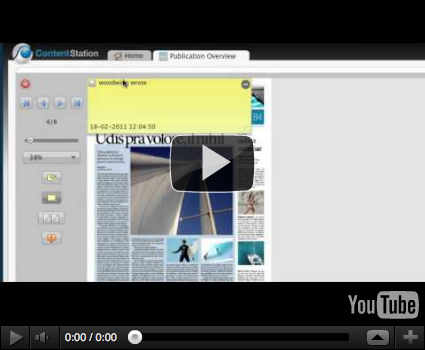 This video describes the use of 'Publication Overview' (a digital display board showing the magazine in progress). Who should watch this video? Anyone that needs to monitor overall progress of the magazine. |
'Print Production' - Overview 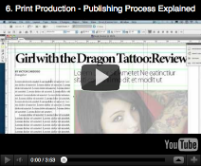 This video explains Layout design and placing objects into the Layouts. Who should watch this video? Designers. (Please ignore the discussion one 'Smart Layout' & 'Smart Styles' as these are not available in the Media24 implementation). |
Need Additional information?
- Ask your 'Woodwing Champion' (listed on the "The Schedule" tab). He/she can't help?!....then....
- Email the Woodwing Team using the website form or directly on support@automatedpublishing.co.za
